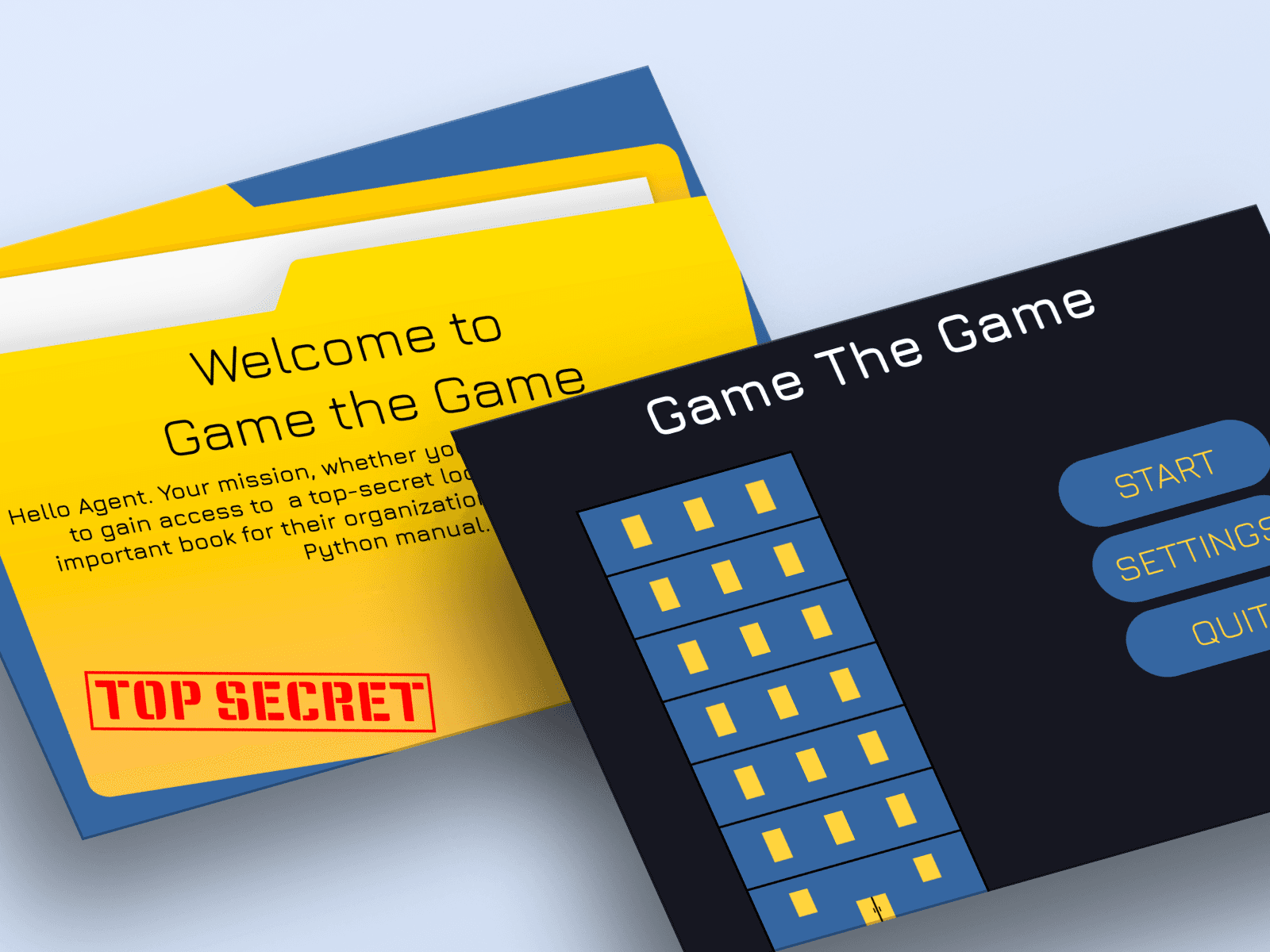
Category
Web Design
My Role
UX Designer
Build in
Figma
Overview
Jobs to be Done
When students are learning to code, they want to understand abstract programming concepts in a way that feels engaging and relevant, so they can build confidence and see the practical value of what they're learning.
Problem Statement
Traditional methods of teaching programming often fail to keep students—especially younger learners—engaged. Abstract syntax and logic feel disconnected from real-world contexts, making it difficult for students to stay motivated or understand how concepts apply in practice.
Design Hypothesis
If we embed core programming concepts into an interactive game with a compelling narrative and real-time code-based challenges, then students will be more engaged, better understand abstract logic, and retain programming knowledge more effectively.
Research
We conducted a competitive analysis of existing web-based educational games that teach programming, with a particular focus on platforms like CodeCombat and similar code-driven learning environments. Our goal was to understand how these platforms structure their learning experiences, integrate coding challenges into gameplay, and keep users engaged.
Many games separate gameplay from code
In several existing platforms, the code editor and game world felt disconnected, which created a steep learning curve. We aimed to improve this by designing more immediate cause-and-effect interactions between code changes and the game environment.
Feedback was often delayed or unclear.
Abstract syntax needs visual context.
Let's Dive Deeper
If you’re interested in how I arrived at the final design, keep reading to explore my process—from early user research and low-fidelity wireframes to high-fidelity designs, iterations, and usability insights. This section highlights how initial ideas evolved into a refined, user-centered solution through feedback, testing, and continuous improvement.
Project Requirements
Main Task:
Create the interface for the game concept.
Role and Expertise
As HCI experts and consultants for the project.
Player Interface Requirements:
Visibility of the layout of each room.
Tracking the movement of their character.
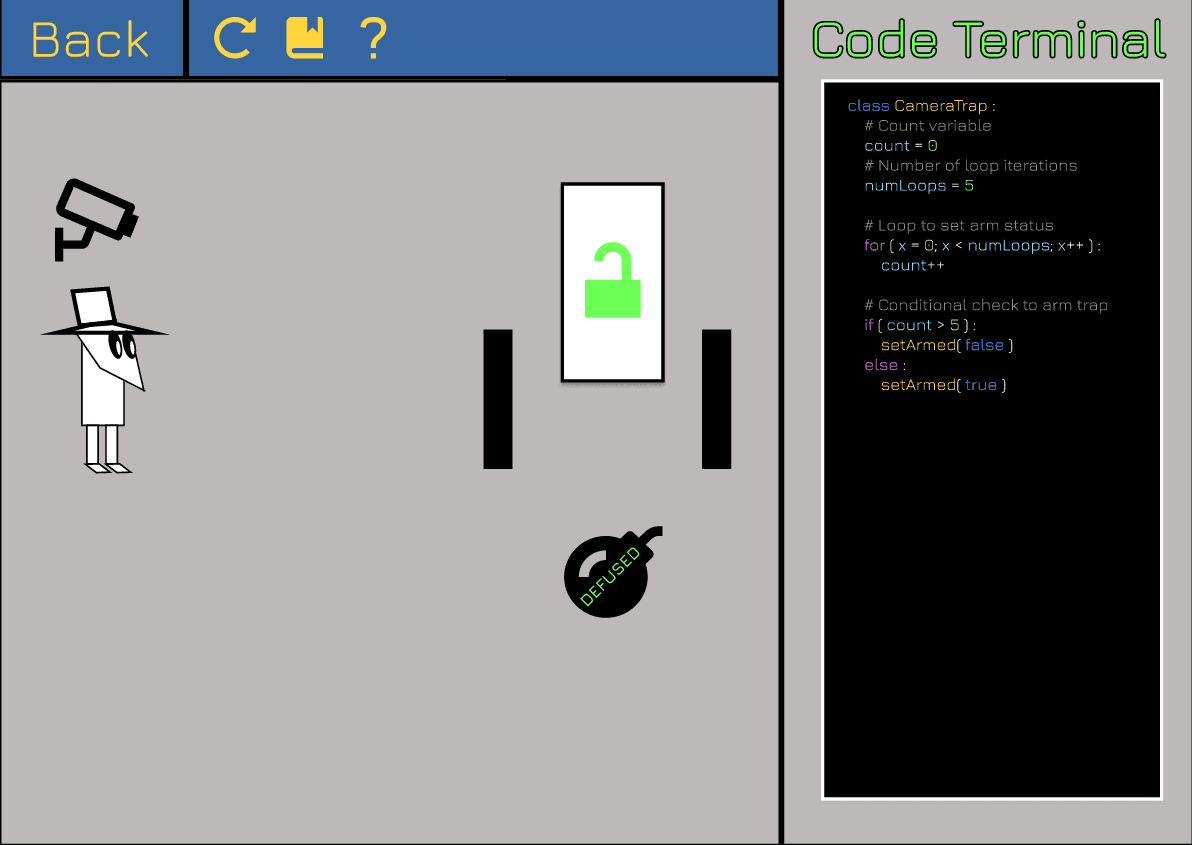
Observation of the effects of any traps that are triggered.
Display of the code that controls the defenses of the room the player is currently in.
Research Process
After clarifying a few questions with our project lead, our team confirmed that we had full creative freedom to design the game in any format. We were encouraged to explore existing educational games like CodeCombat and Baba is You for inspiration.
As part of our market research, we examined a range of web-based educational games that teach programming. Our goal was to understand how these games structure their learning experiences, integrate coding into gameplay, and maintain user engagement.
We focused on several key aspects:
User Interface Design: Many platforms offered powerful tools but often had cluttered or text-heavy layouts that could overwhelm beginners.
Code Integration in Gameplay: While platforms like CodeCombat made coding essential to game progress, we saw opportunities to tie code more deeply into the narrative and level mechanics for greater immersion.
Feedback Systems: In many cases, feedback on coding input was too technical or vague, making it difficult for new learners to troubleshoot and learn from mistakes.
Learning Progression: Some games introduced advanced logic too quickly without adequate scaffolding, creating barriers for first-time coders.
These insights guided our early design strategy. We aimed to deliver a more intuitive and immersive experience that makes learning to code feel like part of an adventure—not a chore.
Based on our research and team brainstorming, we agreed on the following core features for Game the Game:
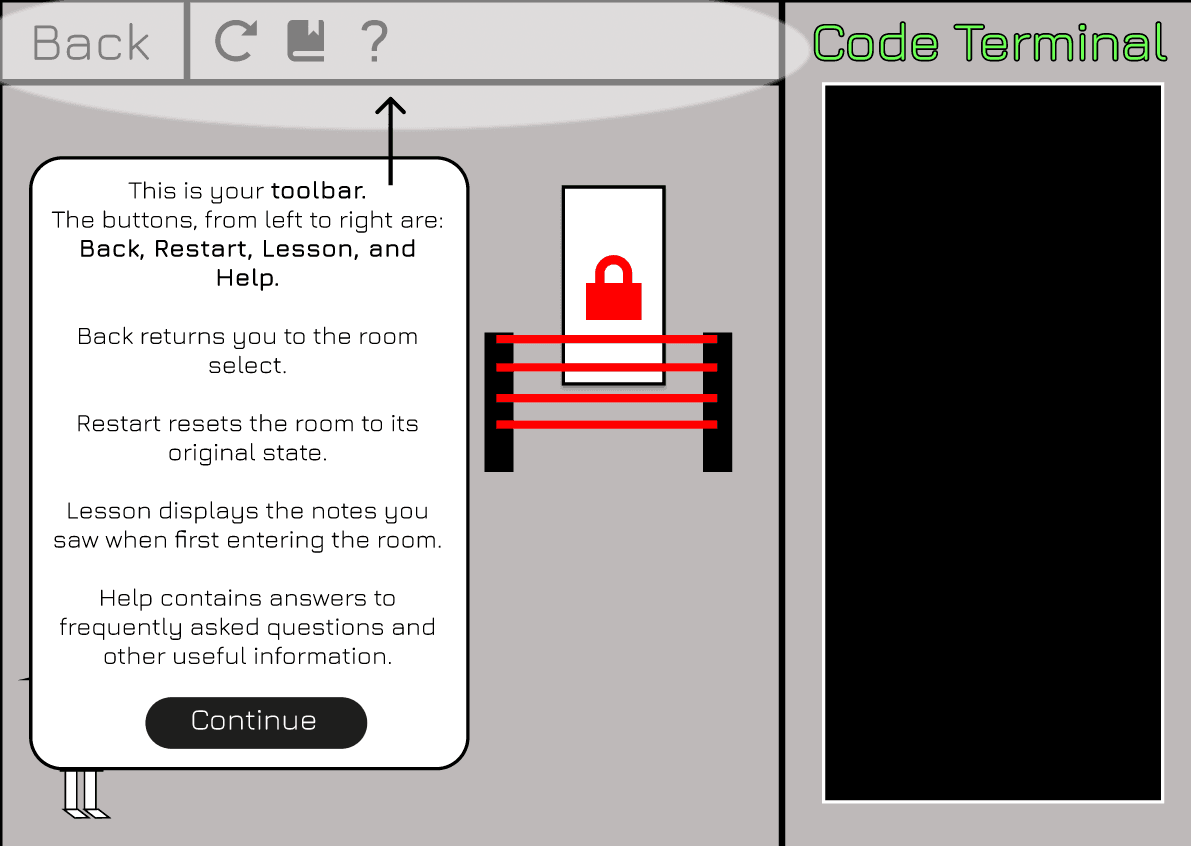
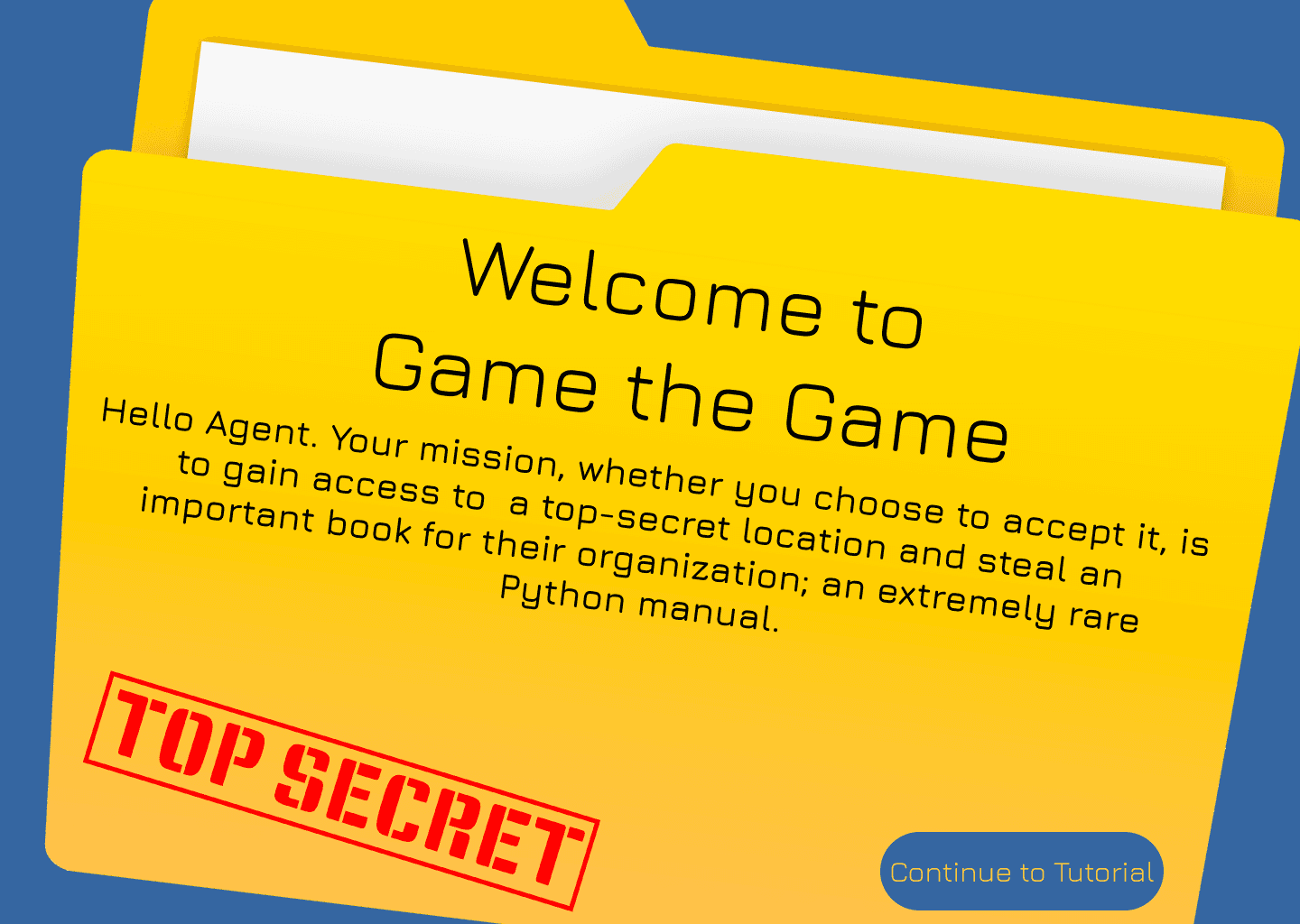
A tutorial page to guide new users
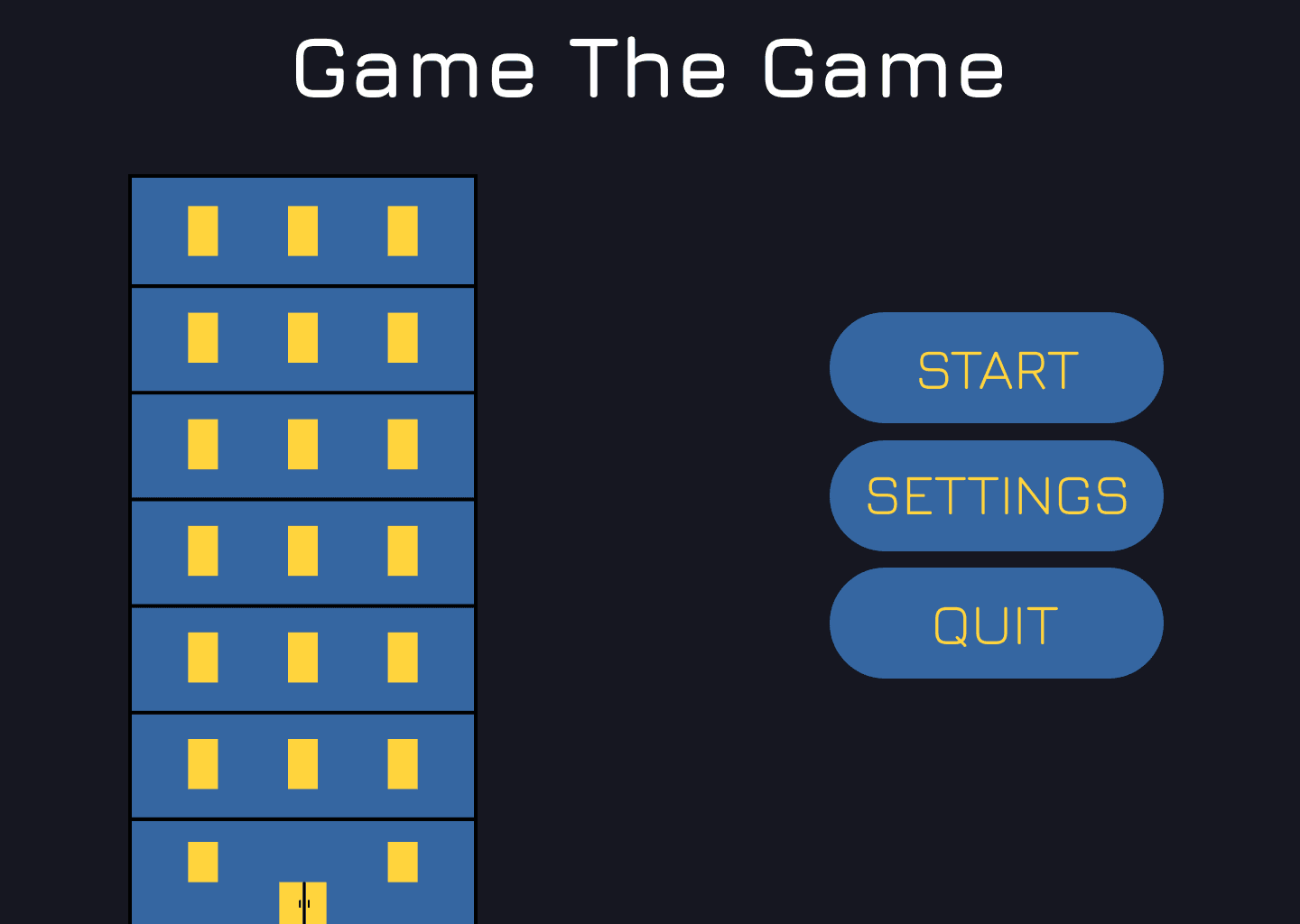
A dark color theme aligned with the spy mission narrative
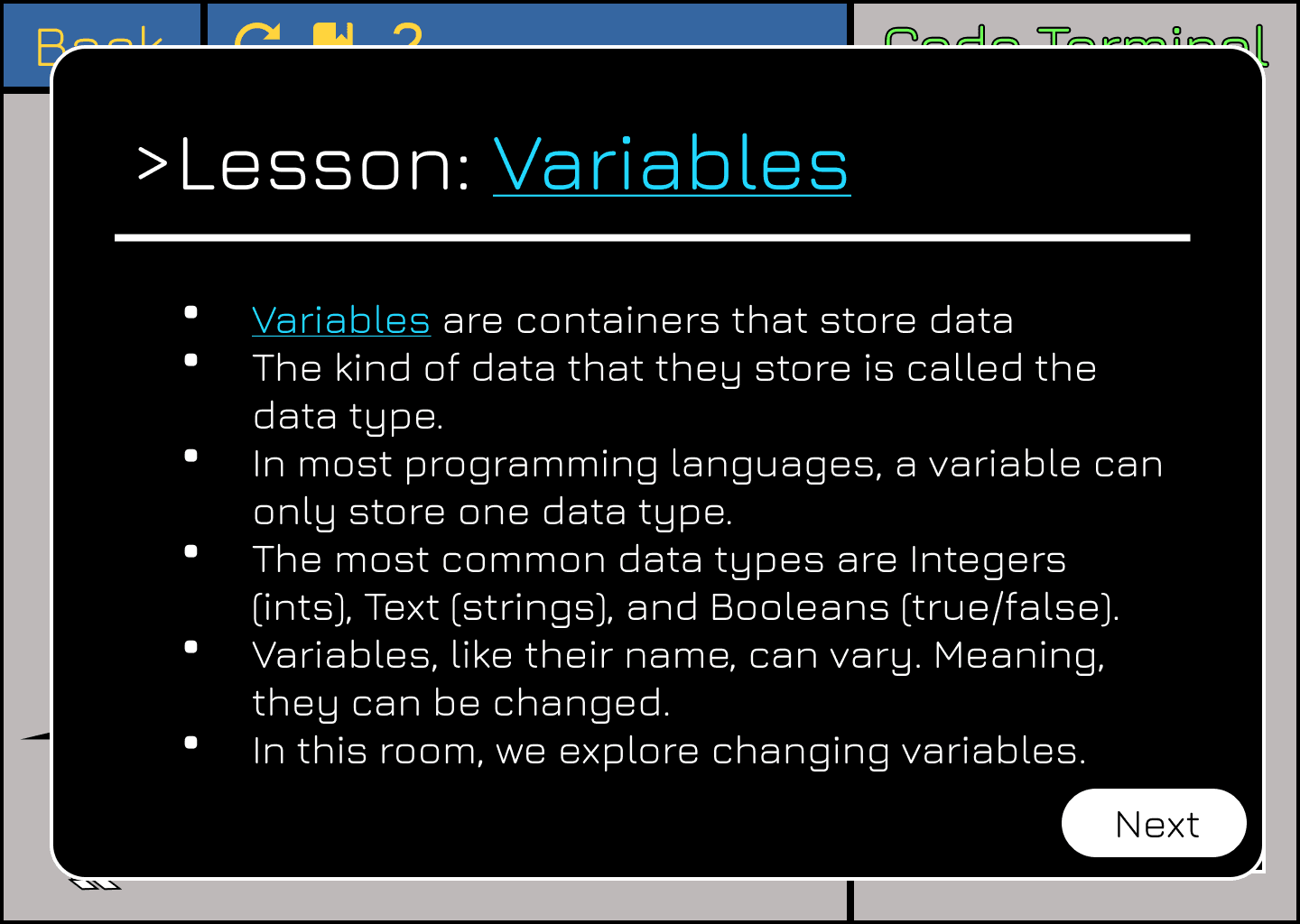
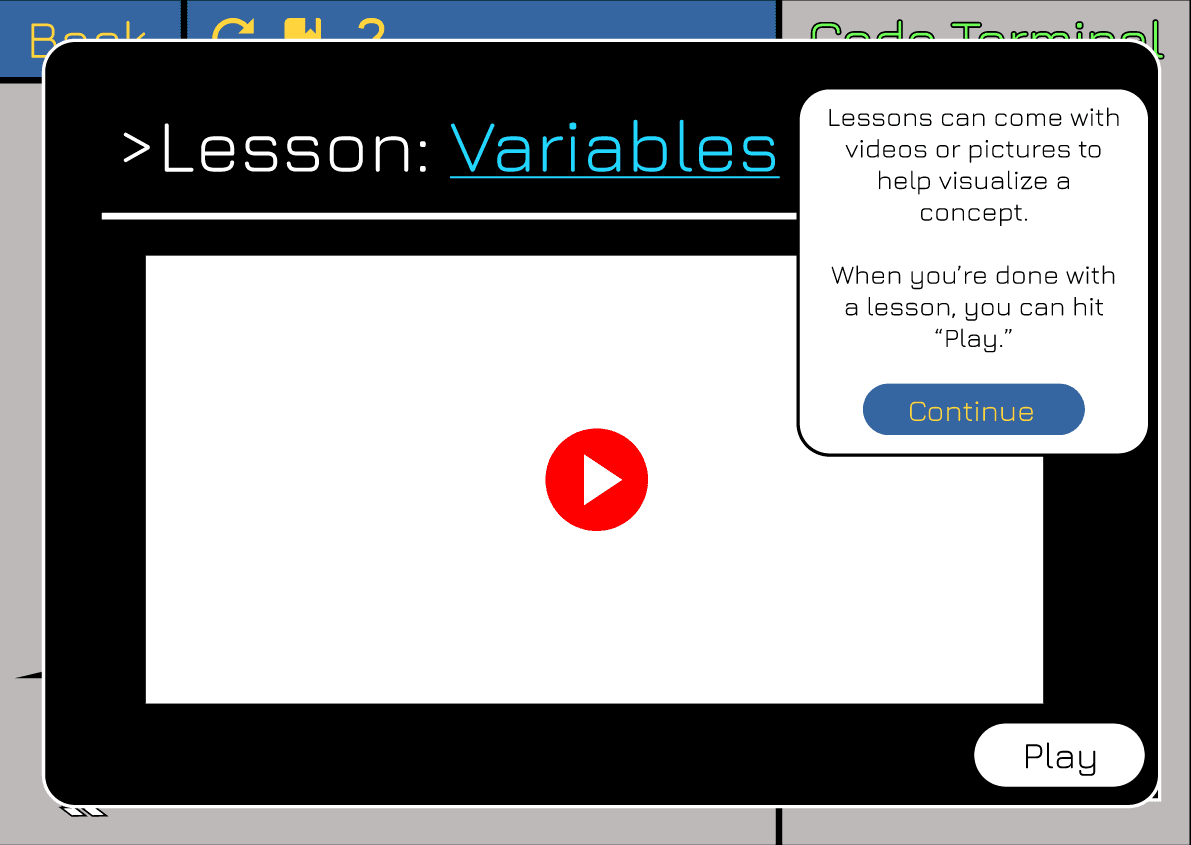
Lessons on programming concepts presented before each level
The ability to revisit completed levels for review and reinforcement
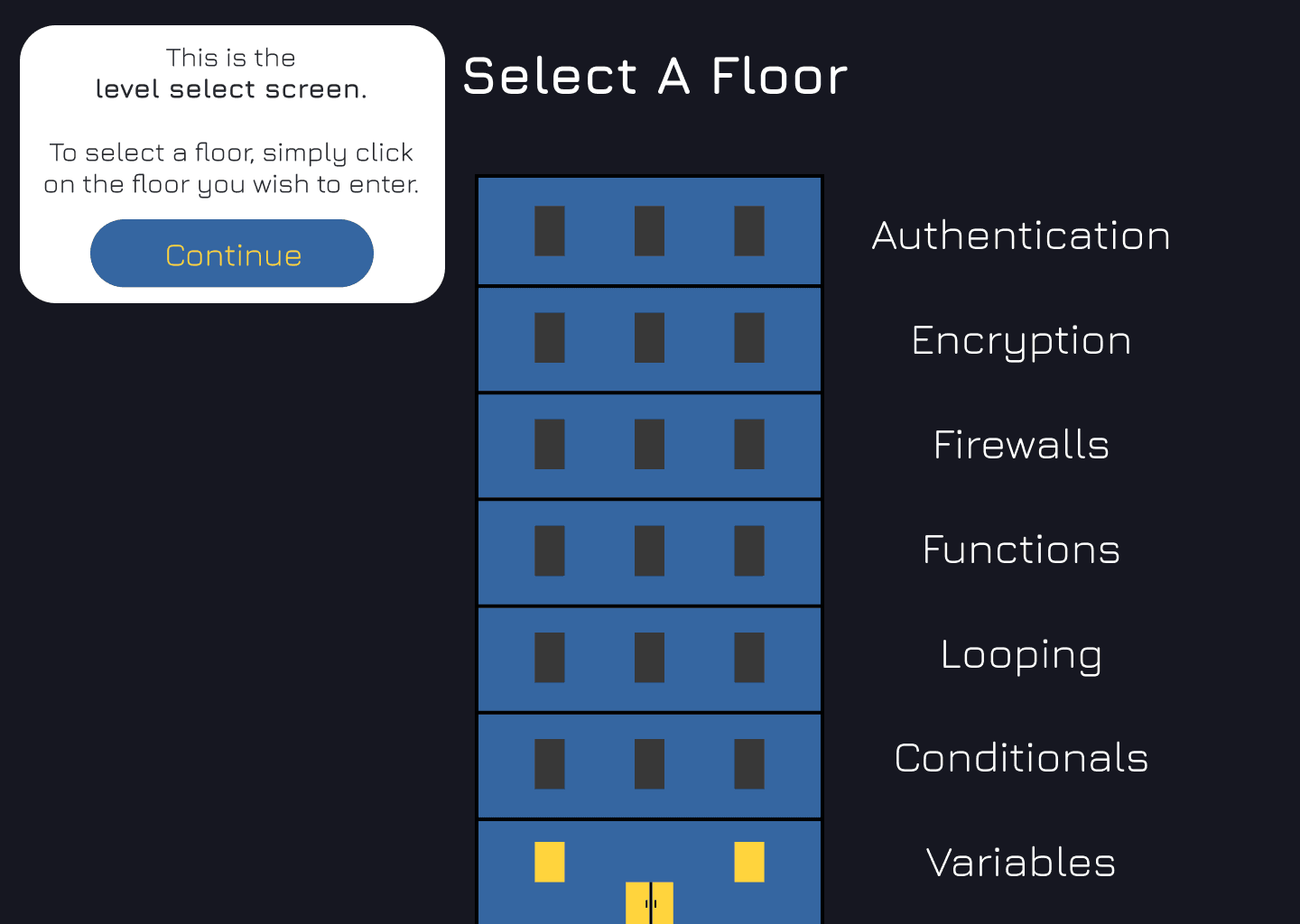
A level selection screen showing progress and encouraging exploration
This early research helped us bridge the gap between educational outcomes and player engagement, laying the groundwork for a game that turns learning into an interactive, story-driven challenge.
Planning
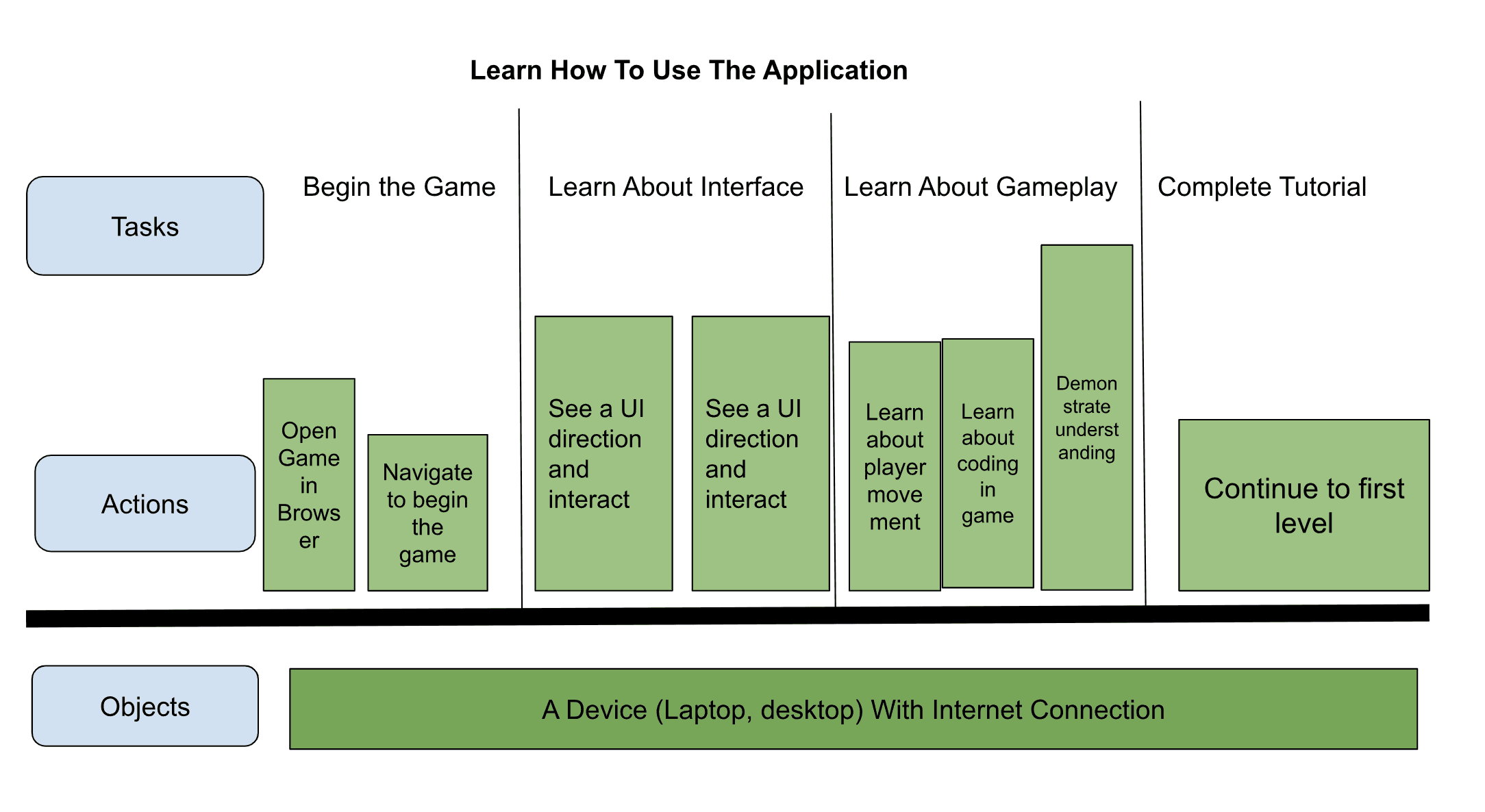
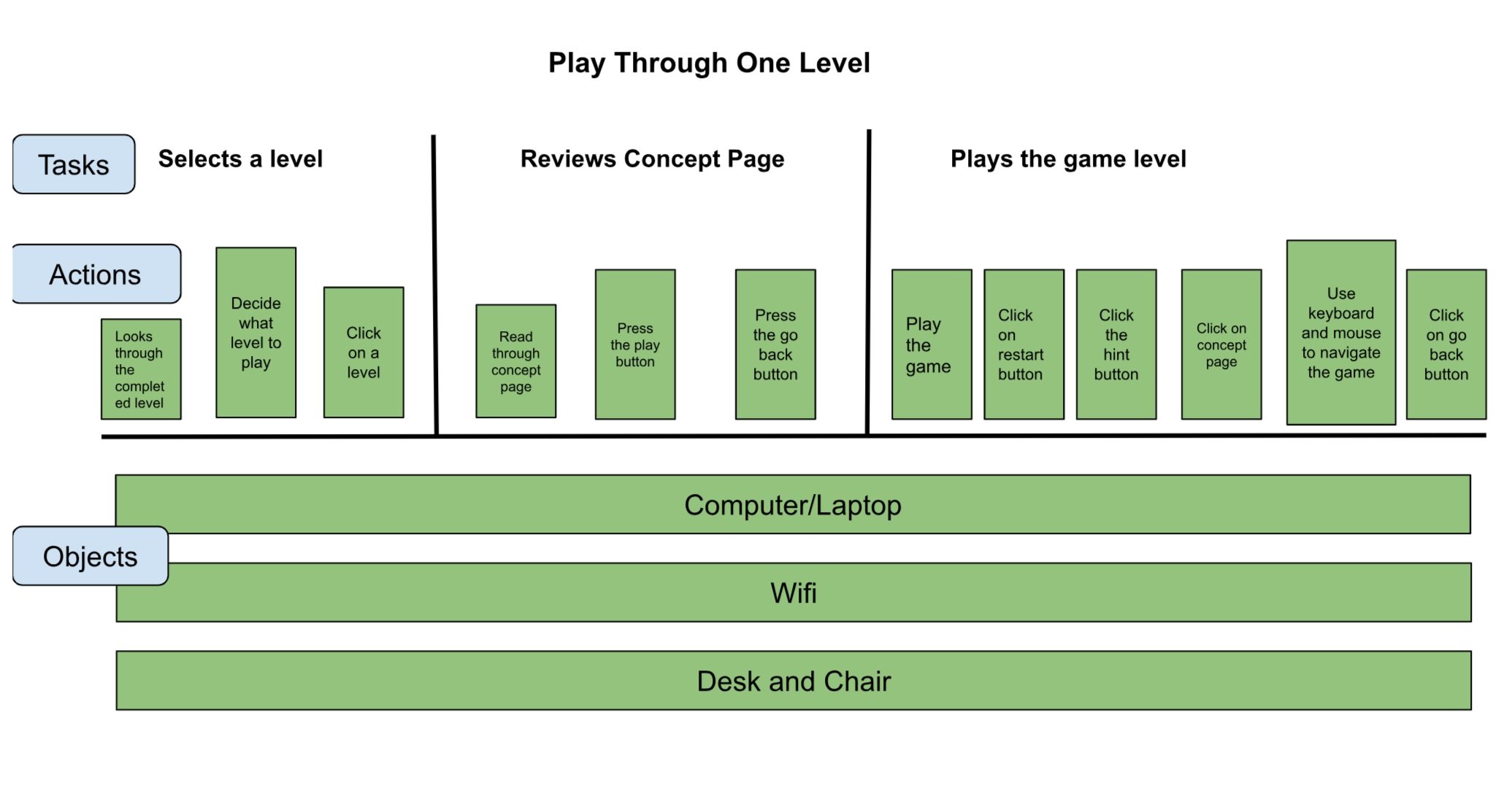
As students in this field, we were instructed by our professor to take off our Software Engineer hats and put on our designer hats. The first step was to create a user workflow and a mental model to fully understand who the main users of the game are and how they interact with the game interface.
Design Process
Initial Feedback From Sponsor
- Lesson Content: Replace static text with short video tutorials or slide-based visuals to better guide users through programming concepts.
- Player Controls: Make controls more prominent and include them in a dedicated help menu for easy reference.
- Documentation: Add an in-game reference or booklet for predefined functions like
enter_code(num)to reduce confusion. - Visual Design: Apply more color across the interface to match the strong reception to the level selection screen’s palette.
- Usability Testing: Investigate whether button functions are intuitive without relying on the tutorial, to improve learnability and engagement.
Usability Testing
Began usability testing as part of the class project after updating wireframes based on project lead feedback.
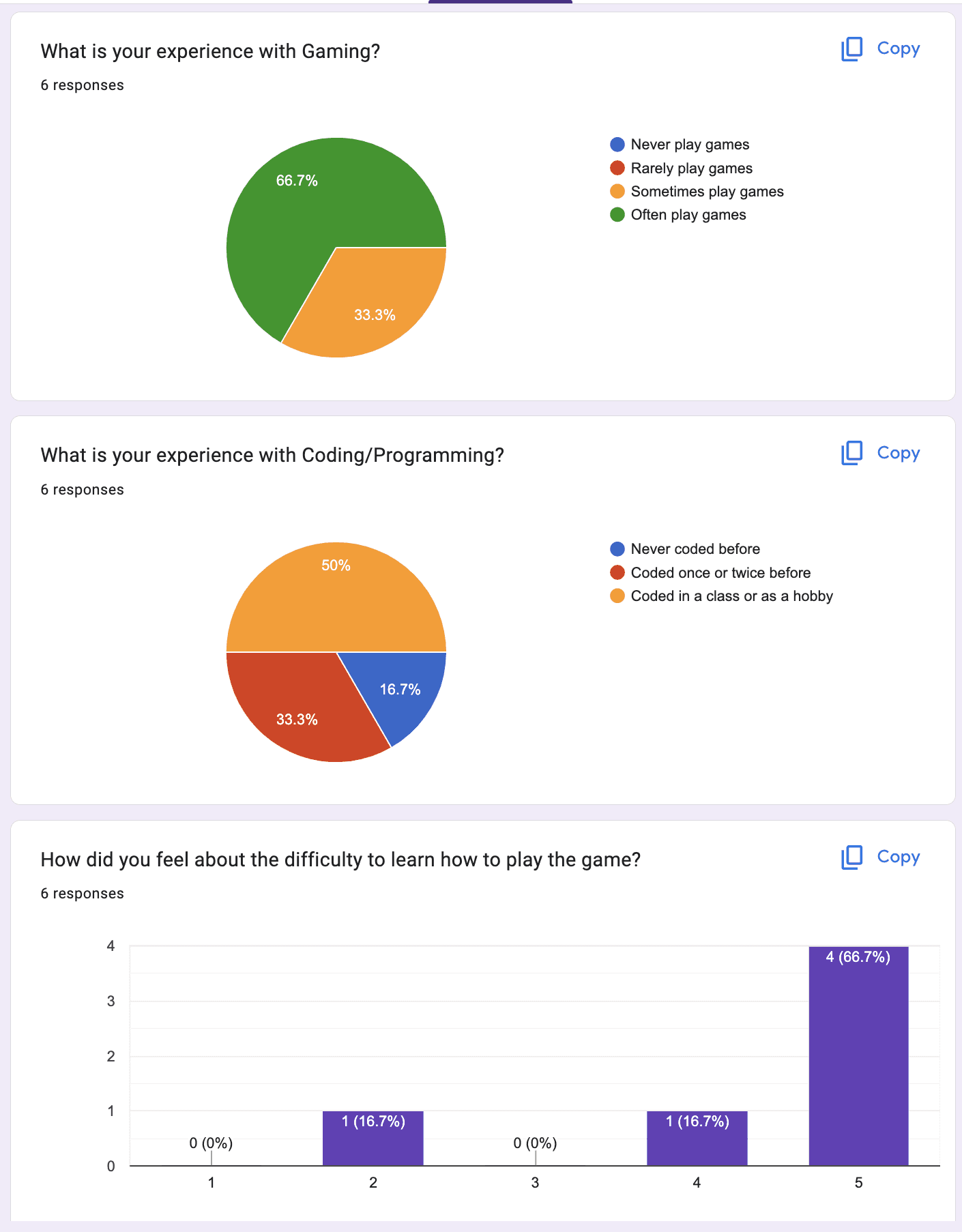
Target audience is upper-middle to early high school students, but we conducted tests with peers due to class constraints.
Asked at least 5 participants to complete key scenarios:
Go through the tutorial
Complete a specific level
Review progress on that level
Each session was recorded and guided step-by-step.
Key Findings
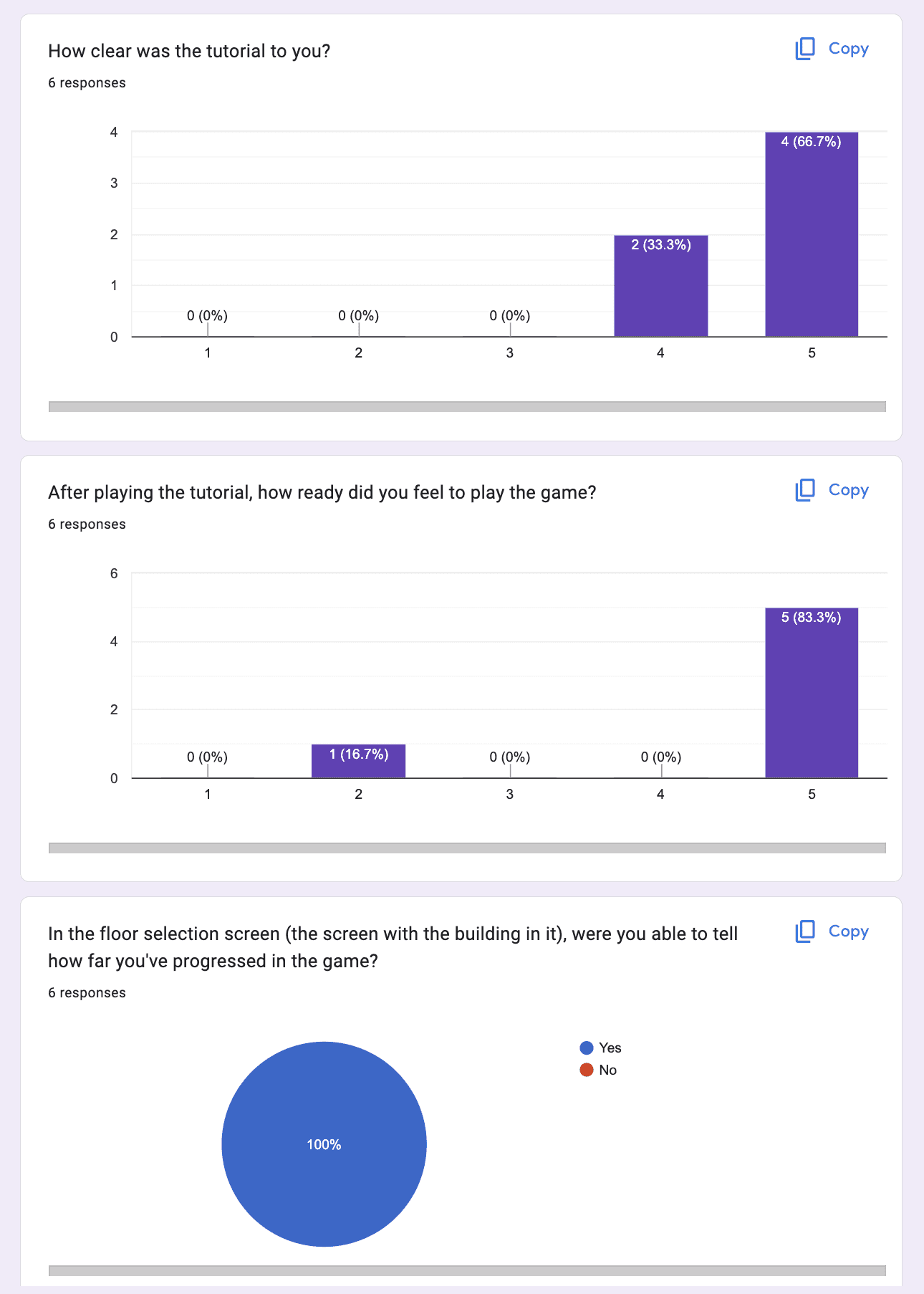
Updated wireframes were visually improved and better received.
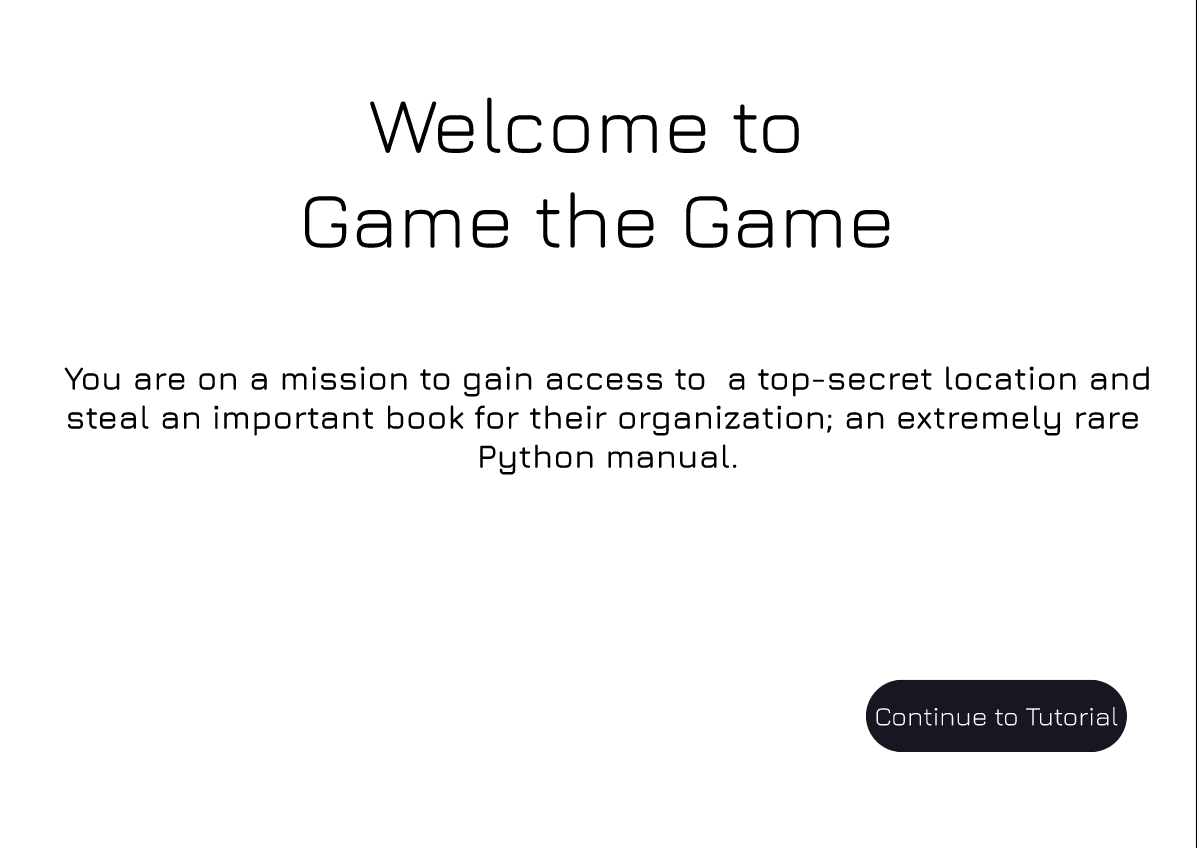
Participants found the tutorial clear, though slightly too wordy.
Suggested a separate close button for dialogue in the tutorial.
Recommended adding descriptions to each room for easier recall.
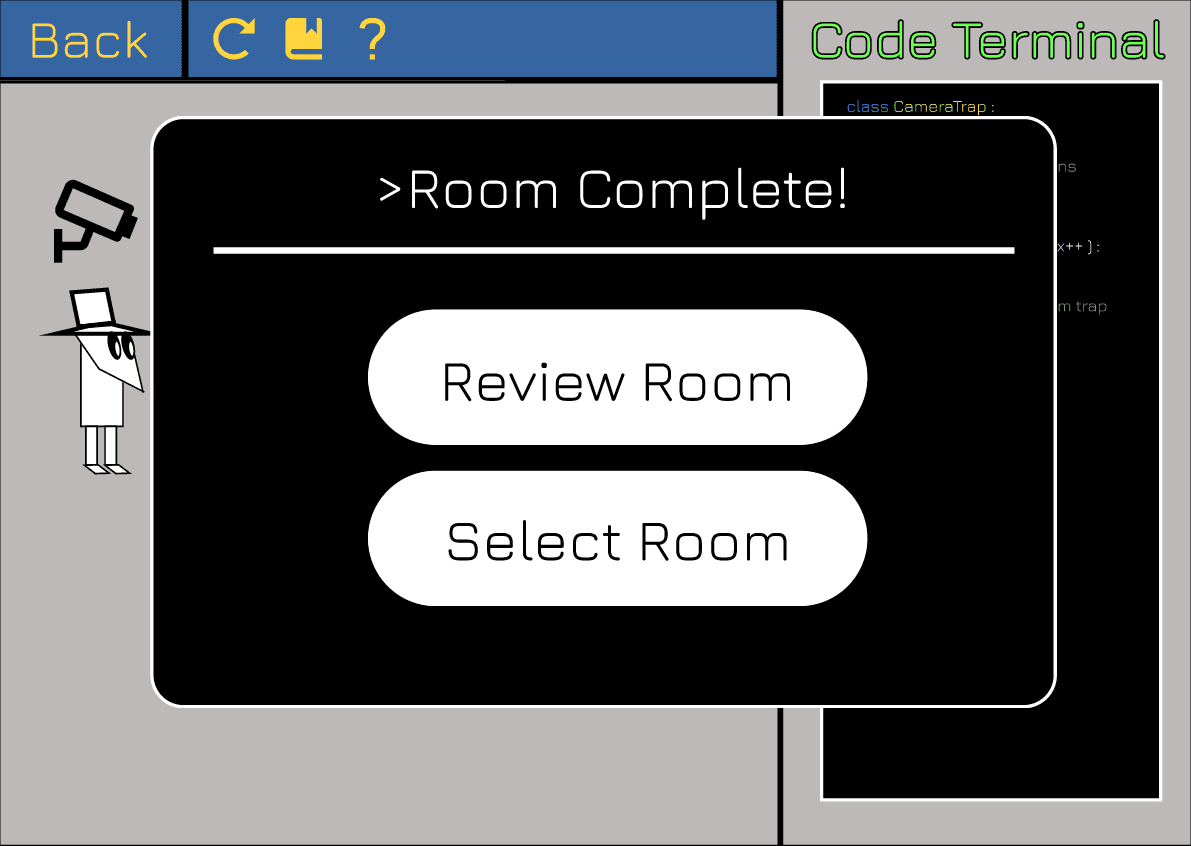
Some users were confused after completing a level, unsure if it was finished.
Many participants were unfamiliar with Figma and the purpose of usability testing, which may have slightly affected the results.
Final Design
This project was our team’s first exploration into UX design and the use of Figma. With the foundational knowledge gained from class, we set out to create an engaging spy-themed interface using dark, night-inspired visuals. Our design goal was to make the experience feel immersive while ensuring that the gameplay interface remained intuitive and easy to navigate—even for students new to programming.
Future Enhancement
As a first attempt at UX design, the design laid a solid foundation, but there are several areas with strong potential for improvement. The UI could benefit from a more polished, modern look, especially within the actual gameplay interface. Instead of using hand-drawn vector art, future iterations could explore AI-generated avatars and character designs to create a more dynamic and immersive experience. Additionally, the overall user flow—particularly how players transition between coding, feedback, and in-game actions—could be streamlined to make gameplay feel more seamless and responsive.